Agent Plugins 1.0 Without Portability Surprises
A production guide to packaging Agent Skills and MCP servers with Agent Plugins 1.0 while keeping client-specific behavior, secrets, and trust controls explicit.
 By Amaresh Adak12 min read
free tools · most run in your browser · no signupfree developer tools/most run right in your browser/no signup needed
A production guide to packaging Agent Skills and MCP servers with Agent Plugins 1.0 while keeping client-specific behavior, secrets, and trust controls explicit.
By Amaresh Adak12 min readFree toolkit
85+ private dev tools
Everything runs in your browser. Zero tracking, no sign-up.
Browse toolsAgent Plugins 1.0 gives AI-agent clients one package format for discovering Agent Skills and MCP server configuration. That is a useful interoperability floor, but it does not make permissions, installation, hooks, secrets, or runtime behavior identical across clients. This guide builds a conforming package and shows where portability ends.
Published on August 6, 2026, Agent Plugins 1.0.0 defines a directory package with a required root manifest and two portable component types:
skills/.mcp.json.The normative Agent Plugins 1.0 specification is deliberately small. It standardizes package discovery, validation, path containment, environment placeholders, and failure boundaries. It does not replace the Agent Skills format or the Model Context Protocol.
| Concern | Portable in v1 | Still client-managed |
|---|---|---|
| Package identity | plugin.json |
Marketplace listing and installation |
| Agent instructions | skills/<name>/SKILL.md |
How and when a client exposes a skill |
| Tool connection | mcp.json |
Approval UX, credentials, and authorization |
| Hooks and commands | No | Client extension namespace |
| Custom agents and UI | No | Client extension namespace |
| Trust and provenance | No | Publisher review, signing policy, allowlists |
| Process isolation | No | Client sandbox and operating-system controls |
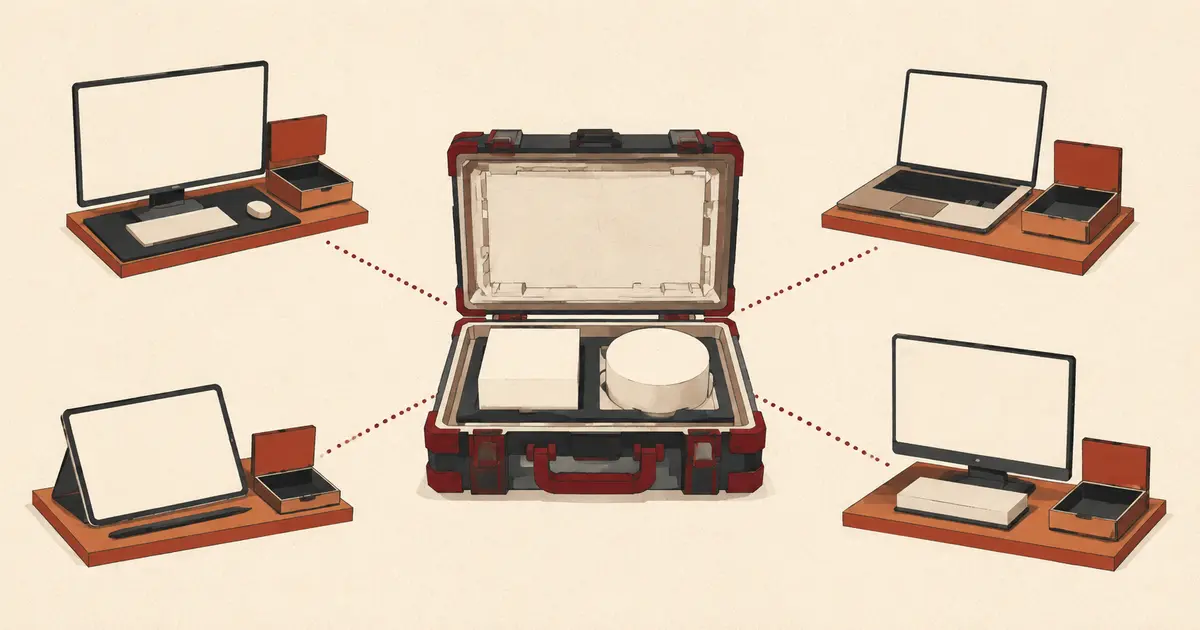
“Build once” therefore means one portable core, not identical behavior everywhere. A plugin can load successfully in two clients while receiving different ambient environment variables, approval prompts, model context, tool policies, or network access.
This distinction matters for teams already operating MCP servers. Packaging an MCP configuration does not change its wire protocol, authentication model, or stateless behavior. If your server is moving to the latest protocol, handle that separately using the MCP migration guide.
Only plugin.json is required. Skills, MCP configuration, documentation, and client-specific extensions are optional:
release-tools/
├── plugin.json
├── skills/
│   └── release-check/
│       ├── SKILL.md
│       ├── scripts/
│       │   └── inspect-release.sh
│       └── references/
│           └── checklist.md
├── mcp.json
├── bin/
│   └── release-server
├── com.example.agent/
│   └── hooks/
│       └── hooks.json
├── LICENSE
└── README.md
The locations are fixed. plugin.json cannot point to another skills directory or embed MCP servers. Clients inspect only immediate child directories under skills/; they do not recursively search deeper folders for more skills.
Path containment is part of conformance. A package-relative path must start with ./, resolve against the plugin root, and remain inside that root. A symlink, junction, or reparse point that resolves outside the package must be rejected for package-supplied files.
Containment is not sandboxing. It prevents a manifest from using a parent-directory path to disguise an executable outside the package, but it does not stop a launched subprocess from reading other files or using the network. Runtime isolation remains a client responsibility.
The smallest valid manifest has two fields:
{
  "$schema": "https://agent-plugins.org/schemas/1.0.0/plugin.schema.json",
  "name": "release-tools"
}
The $schema value is a version identifier, not an instruction for the client to download a schema at load time. Conforming clients select validation rules they already support and reject unsupported versions.
The manifest schema is closed. The permitted top-level fields are:
$schema and name;version, description, and author;homepage, repository, and license;keywords and extensions.Do not add skills, mcpServers, hooks, commands, or agents at the top level. Unknown fields are reported and ignored rather than gaining portable meaning.
A production manifest can look like this:
{
  "$schema": "https://agent-plugins.org/schemas/1.0.0/plugin.schema.json",
  "name": "acme.release-tools",
  "version": "1.3.0",
  "description": "Release review guidance and approved deployment tools.",
  "author": {
    "name": "Acme Platform Engineering",
    "email": "platform@example.com",
    "url": "https://example.com/platform"
  },
  "homepage": "https://example.com/docs/release-tools",
  "repository": "https://github.com/example/release-tools",
  "license": "MIT",
  "keywords": ["release", "deployment", "review"]
}
Plugin names are 1–64 characters, use lowercase letters, digits, hyphens, and periods, begin and end with an alphanumeric character, and cannot contain -- or ... Semantic Versioning and SPDX license identifiers are recommended, although the specification does not make malformed metadata strings fatal solely for violating those external formats.
Agent Plugins discovers skills; the separate Agent Skills specification defines SKILL.md. Put each skill in an immediate child directory:
name: release-check
description: Review a planned software release for missing validation, rollback, and observability steps.

# Release check

Use this workflow when a user asks whether a release is ready.

1. Read the release plan and the linked change set.
2. Identify data migrations, external writes, and irreversible operations.
3. Verify tests, monitoring, rollback ownership, and approval status.
4. Report blockers separately from non-blocking improvements.

Never execute a deployment unless the user explicitly authorizes it.
Keep the directory name and skill name stable. Put large reference material in references/ and deterministic helpers in scripts/ instead of inflating SKILL.md. This follows the same context discipline described in context engineering for AI agents: load only what the current task needs.
One invalid skill should not disable valid sibling skills or independent MCP configuration. That narrow failure boundary is helpful during rollout, but it is not a reason to ignore validation warnings. A client may skip the broken skill while users assume the entire plugin loaded.
MCP configuration belongs in root mcp.json and uses its own canonical schema. Each server declares exactly one transport:
{
  "$schema": "https://agent-plugins.org/schemas/1.0.0/mcp.schema.json",
  "mcpServers": {
    "release-validator": {
      "type": "stdio",
      "command": "./bin/release-server",
      "args": ["--state", "${PLUGIN_DATA}/release-validator"],
      "env": {
        "CONFIG_PATH": "${PLUGIN_ROOT}/config/defaults.json"
      },
      "cwd": "${PLUGIN_ROOT}"
    },
    "deployment-catalog": {
      "type": "streamable-http",
      "url": "https://tools.example.com/mcp",
      "headers": {
        "X-Client-Name": "release-tools"
      }
    }
  }
}
PLUGIN_ROOT points to installed package files. PLUGIN_DATA points to a client-managed writable directory preserved across plugin updates. Store caches, generated files, virtual environments, and installed dependencies under PLUGIN_DATA; do not mutate the plugin installation directory and expect updates to preserve the changes.
Remote servers must use HTTPS unless the host is exactly localhost or a loopback IP. The URL cannot contain user information or a fragment. The v1 format also supports legacy sse, but that transport refers to MCP's deprecated HTTP+SSE transport, not streaming events inside current Streamable HTTP.
Never place credentials in headers. Header values are visible package data, and the format defines neither OAuth configuration nor a portable secret reference. Authentication discovery, user consent, credential storage, and injected authorization headers belong to the client.
An MCP entry tells a client how to start or connect to a server; it does not authorize every tool the server exposes. Apply server allowlists and tool-level approvals separately. For model-driven tool execution, the authorization and side-effect boundaries in the Programmatic Tool Calling guide remain relevant.
Hooks, slash commands, custom agents, rules, language servers, canvases, and UI are outside the v1 portable core. Put client-owned metadata under extensions and related files in a top-level reverse-domain namespace:
{
  "$schema": "https://agent-plugins.org/schemas/1.0.0/plugin.schema.json",
  "name": "acme.release-tools",
  "extensions": {
    "com.example.agent": {
      "enableReleasePanel": true
    }
  }
}
release-tools/
├── plugin.json
├── skills/
├── mcp.json
└── com.example.agent/
    ├── hooks/
    └── commands/
Use only namespaces and fields documented by the client that owns them. Other clients ignore namespaces they do not implement without interpreting their contents.
This creates a clean architecture:
mcp.json;Do not duplicate a portable skill inside every namespace. Maintain one source and generate compatibility wrappers only when a client lacks native support.
Schema validation is necessary but incomplete. The specification text is authoritative if it conflicts with the JSON Schema, and some semantic rules require filesystem resolution.
Use this CI sequence:
set -euo pipefail

python3 -m json.tool plugin.json >/dev/null

if test -f mcp.json; then
  python3 -m json.tool mcp.json >/dev/null
fi

test -f plugin.json
find skills -mindepth 2 -maxdepth 2 -name SKILL.md -type f -print 2>/dev/null || true
Then validate against vendored copies of both official 1.0.0 schemas. Vendoring prevents a remote schema change or outage from making builds nondeterministic. Add semantic checks for:
./ path prefixes and resolved path containment;Finally, install the built package in every supported client. Static conformance cannot prove that a client exposes skills, expands placeholders, launches the process, prompts for approval, or injects authentication as expected.
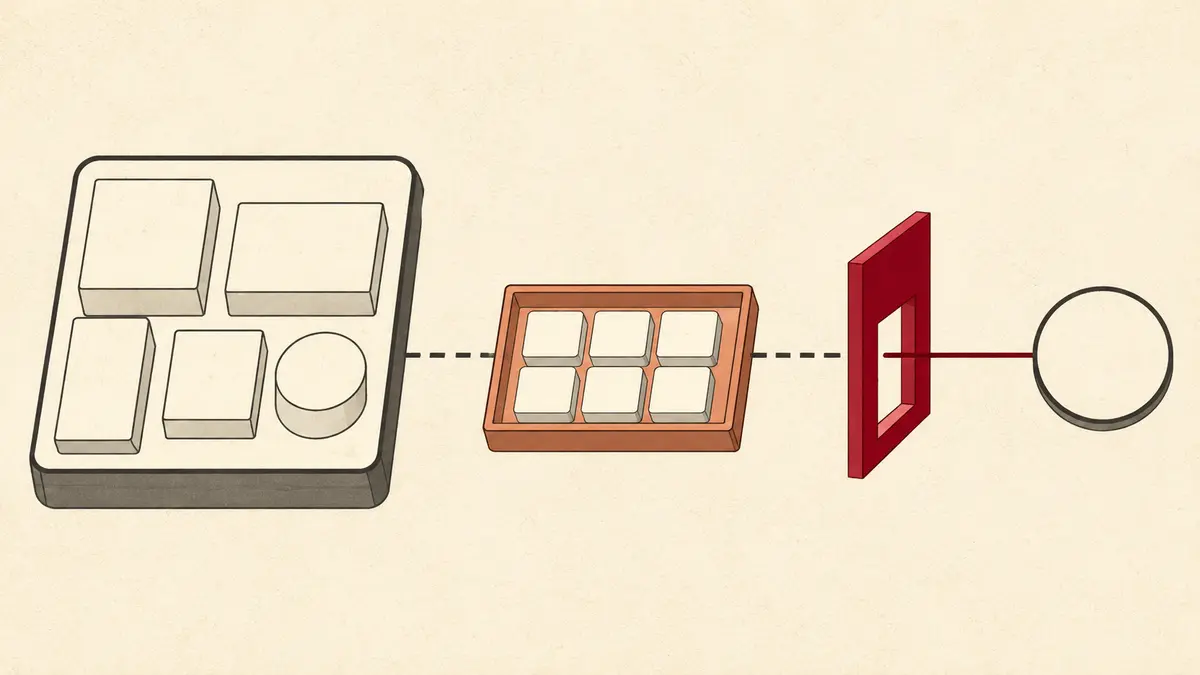
The official VS Code Agent Plugins documentation warns that plugins can contain hooks and MCP servers that execute code on the user's machine. Review a plugin as executable software, even if its visible value appears to be “just instructions.”
Before approving a package:
SKILL.md for hidden conditions, data-exfiltration instructions, and unbounded file access.PLUGIN_DATA is writable persistent state, not a trust boundary. A compromised server can poison its own cache or leave executable material for a later run. Apply least-privilege filesystem permissions, process isolation, network policy, and data-retention rules at the client or operating-system layer.
Also assume prompt content can be hostile. A skill is instruction-bearing code for an agent. Review changes to skill text with the same seriousness as changes to shell scripts, because both can cause an agent to invoke tools.
Do not delete working client manifests first. Migrate additively:
$schema and valid metadata to root plugin.json.skills/<name>/SKILL.md.mcp.json with explicit transport types.For GitHub Copilot clients, GitHub's launch guidance places Copilot-specific files under com.github.copilot/. Existing Copilot-format plugins remain supported, so migration is optional unless you need the portable core.
Avoid changing skill wording, MCP transport, credentials, and package layout in one release. First reproduce behavior in the new structure. Then improve individual components with separate reviewable changes.
Create a matrix instead of declaring success after one installation:
| Test | Client A | Client B | Expected evidence |
|---|---|---|---|
| Manifest accepted | Pass/fail | Pass/fail | Version and validation log |
| Skill discovered | Pass/fail | Pass/fail | Skill listed and invoked |
| stdio server starts | Pass/fail | Pass/fail | Process and initialization log |
PLUGIN_ROOT expansion |
Pass/fail | Pass/fail | Bundled config opened |
PLUGIN_DATA persistence |
Pass/fail | Pass/fail | State survives update |
| Remote authentication | Pass/fail | Pass/fail | Client-managed consent succeeds |
| Write-tool approval | Pass/fail | Pass/fail | No action before approval |
| Client extension | Supported/ignored | Supported/ignored | Portable core still works |
Use the same fixtures and expected outcomes, but permit different UI. Test clean install, update, disable, re-enable, and uninstall. Verify that deleting the plugin does not accidentally delete user-owned files outside PLUGIN_DATA, and decide whether uninstall should preserve or remove plugin data.
Portability is proven by consistent capabilities and safety properties, not by identical screenshots.
No. MCP continues to define tool protocol behavior and lifecycle. Agent Plugins defines where a portable mcp.json lives and how a client locates its server configurations.
No. Skills keep the Agent Skills SKILL.md format. Agent Plugins only fixes their discovery location under immediate child directories of skills/.
It can include them as client-specific extensions, but they are not portable v1 components. Put them in a reverse-domain namespace owned and documented by the target client.
No. Do not embed credentials in URLs, headers, arguments, or environment values committed with the package. Agent Plugins 1.0 leaves authorization discovery, consent, and credential storage to clients.
No. Conformance validates package shape and some containment rules. It does not provide provenance, signing, permissions, subprocess sandboxing, or tool approval. Treat installation as a code-execution trust decision.
Agent Plugins 1.0 solves a real packaging problem by giving skills and MCP configuration stable locations, schemas, and discovery rules. Use that small core as the contract: keep client features namespaced, secrets outside the package, paths contained, and runtime permissions explicit. A plugin is portable only after its behavior and safety controls pass on every client you claim to support.
Comments
Sign in to join the discussion.
No comments yet. Be the first to share your thoughts.